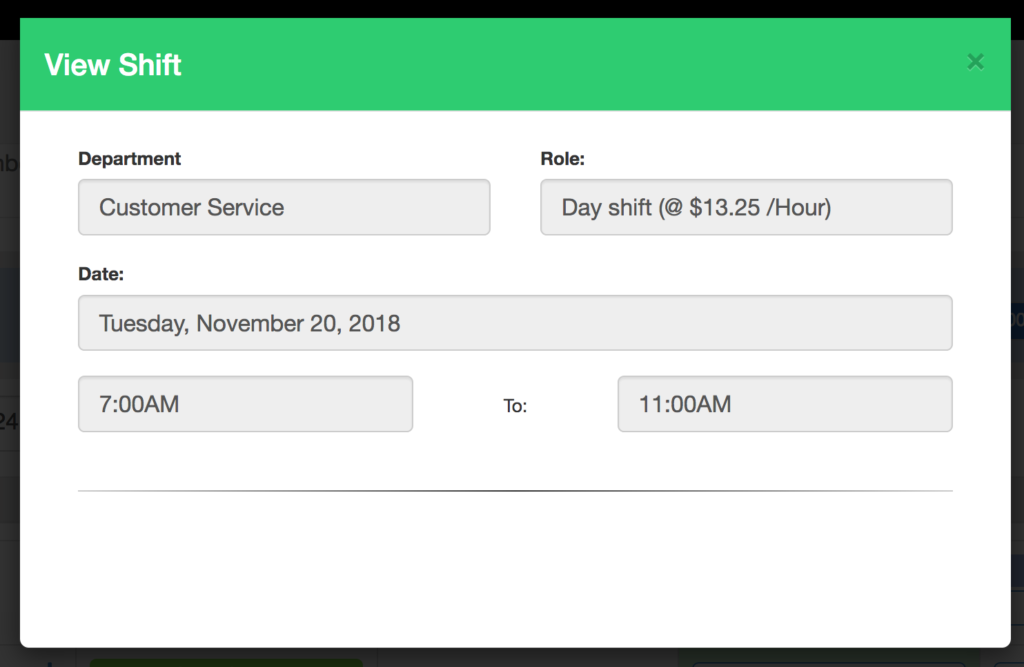
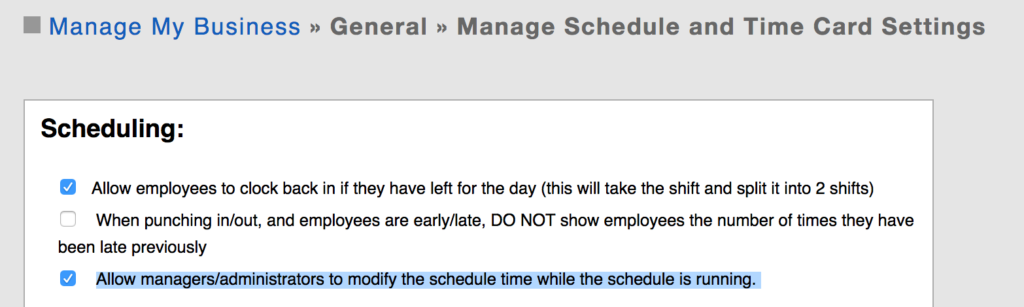
Sometimes you need to change an employees scheduled time while they are working. For example, they are scheduled 12pm-5pm and you need them to work an extra 2hrs because of extra customers. To do this, turn on the feature in the setup:
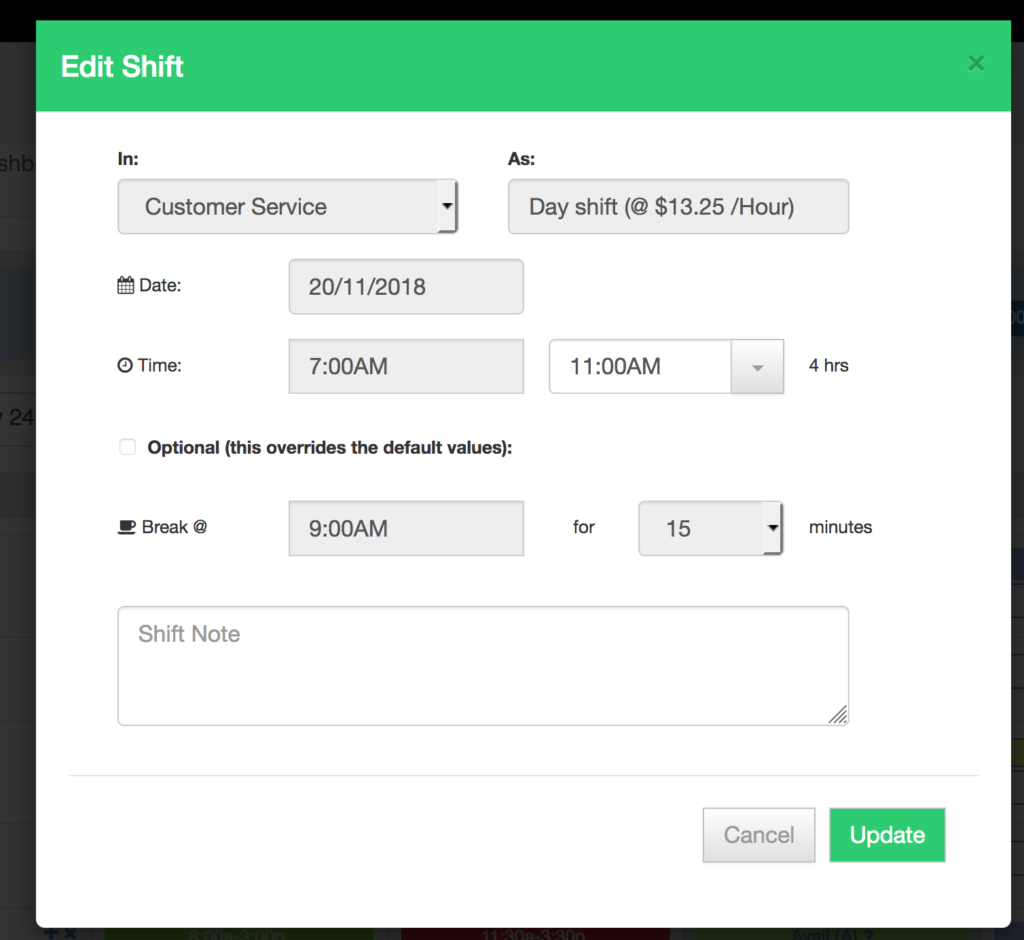
Once setup, go to the schedule and change the end time:
This is what the schedule would look like if this feature was NOT turned on: