System Status
For Employees
For Managers
Contact
Home
Knowledge Base
Accounting
How do I update my credit card information?
Show all results
No Results
Keep typing…
Search temporarily unavailable. Please try again.
How do I update my credit card information?
Contents
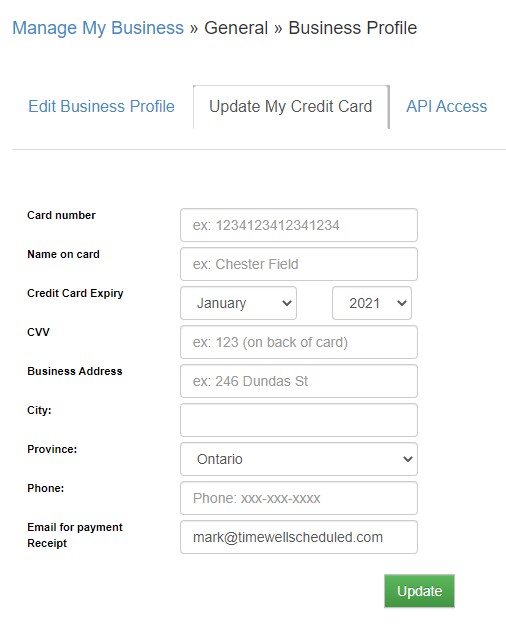
You can update your credit card by
Go to MANAGE MY BUSINESS
Go to BUSINESS PROFILE
Click on the ‘Update My Credit Card’ tab
Updated on June 22, 2026
Related Articles
How Billing Works at TimeWellScheduled
How can I update the email invoices are sent to?
Why can’t I call and give you my credit card?
Where can I see my past invoices?
What payment options are available?
Contents