
Setting up Access Restrictions
Table of Contents
SETTING UP ACCESS RESTRICTIONS
It is very important to set up access restrictions to avoid employees from punching in/out from home.
To setup access restrictions:
- Go to MANAGE MY BUSINESS
- Go to ACCESS RESTRICTIONS AND GEOFENCING
- There are 2 options
I WANT TO BLOCK BY IP ADDRESS
(easiest and most popular – best to have a static IP)
To record your punch machine’s public IP address:
- Make sure METHOD 1 – STATIC IP is selected
- The IP will be listed in green
- Enter the label for the IP
- Click GO

- If you have multiple locations just follow the same process at each punch location
I WANT TO BLOCK BY COOKIE
(best if you don’t have a static IP)
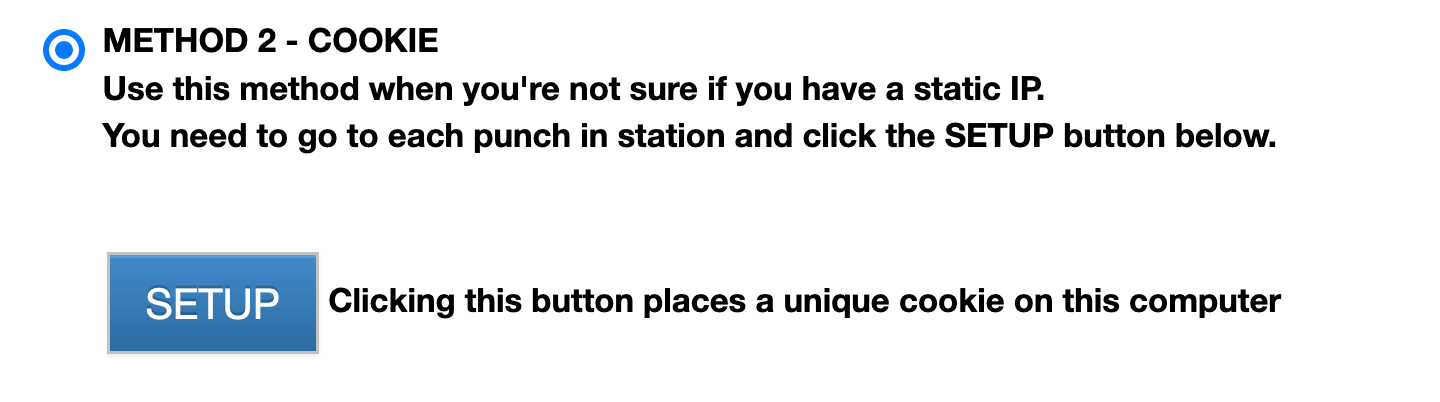
For those businesses that don’t have a static IP, cookie blocking can be used. A cookie can we placed on each machine that will be used for punching.
- Make sure METHOD 2 – COOKIE is selected
- Click the SETUP button
- If you have multiple locations just follow the same process at each punch location
NOTE – Please ensure that your cookie is saving correctly on your machine. If the machine is using a guest account OR a thin client, it’s possible it may not save properly. Test by restarting the machine and check if you still see the buttons. If you have an issue, read this article.