System Status
For Employees
For Managers
Contact
Home
Knowledge Base
Chat
How do I launch the chat?
Show all results
No Results
Keep typing…
Search temporarily unavailable. Please try again.
How do I launch the chat?
Contents
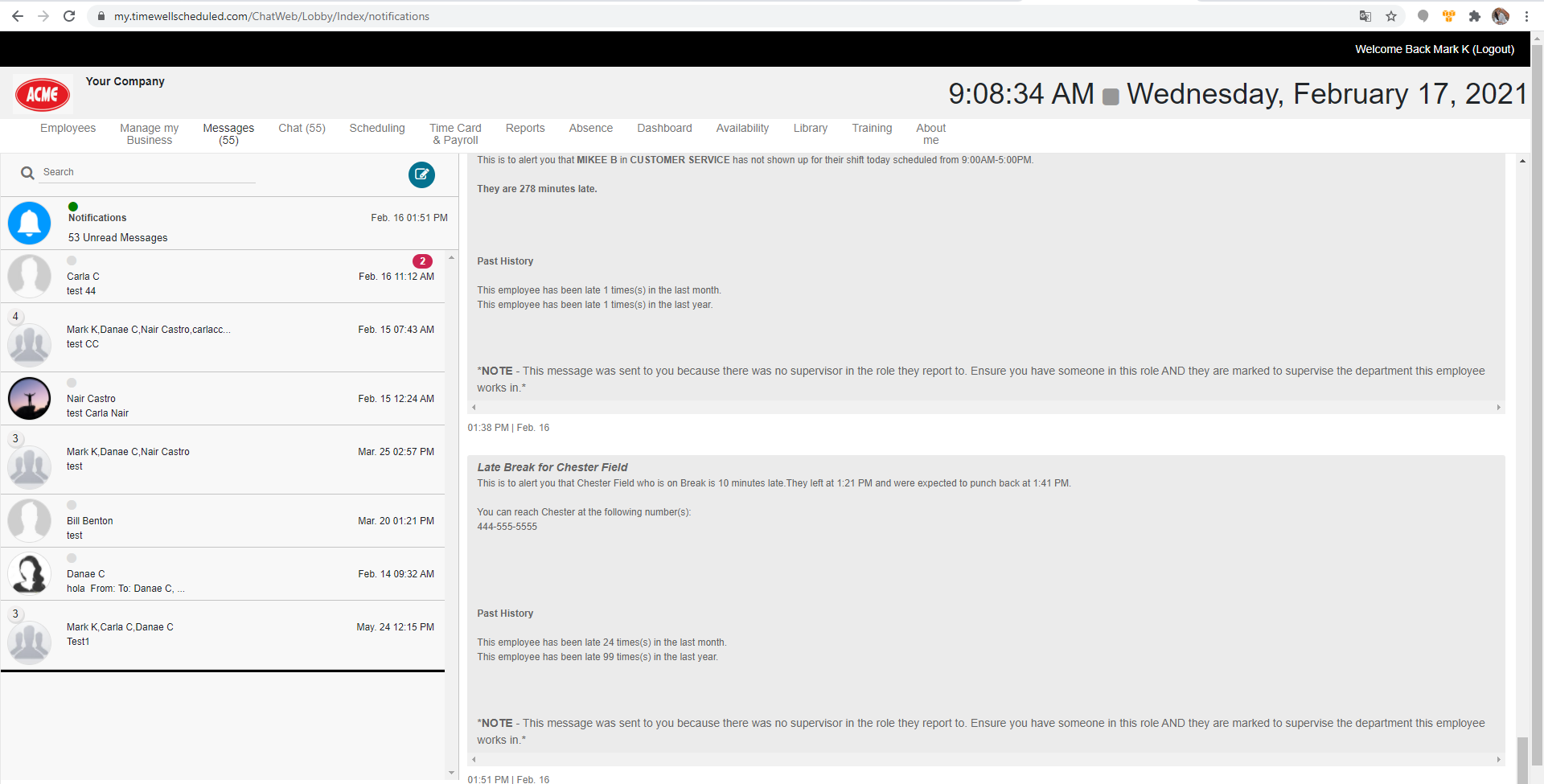
Log into TimeWellScheduled and click the CHAT menu item.
Updated on June 22, 2026
Related Articles
How do I turn off chat
What is the difference between CHAT and MESSAGES?
I’m showing unread notifications but can’t see where! / What is the NOTIFICATIONS section in chat?
How do I know if I have unread chat messages?
How do I start a new chat?
Contents