
When employees add their own time cards, they do not directly get added to time cards – it requires a manager to approve them.
- Log into the dashboard
- Click REVIEW/APPROVE TIME ENTRY WITH ASSETS
- Click “Time entries waiting review for this day”
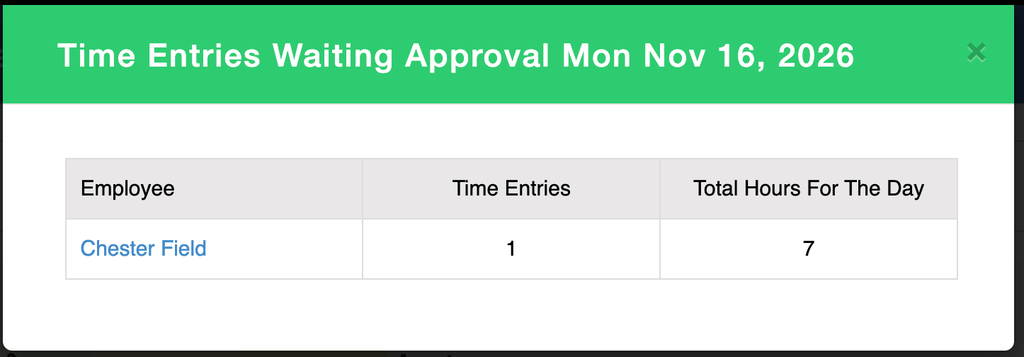
- Click the employee you want to approve
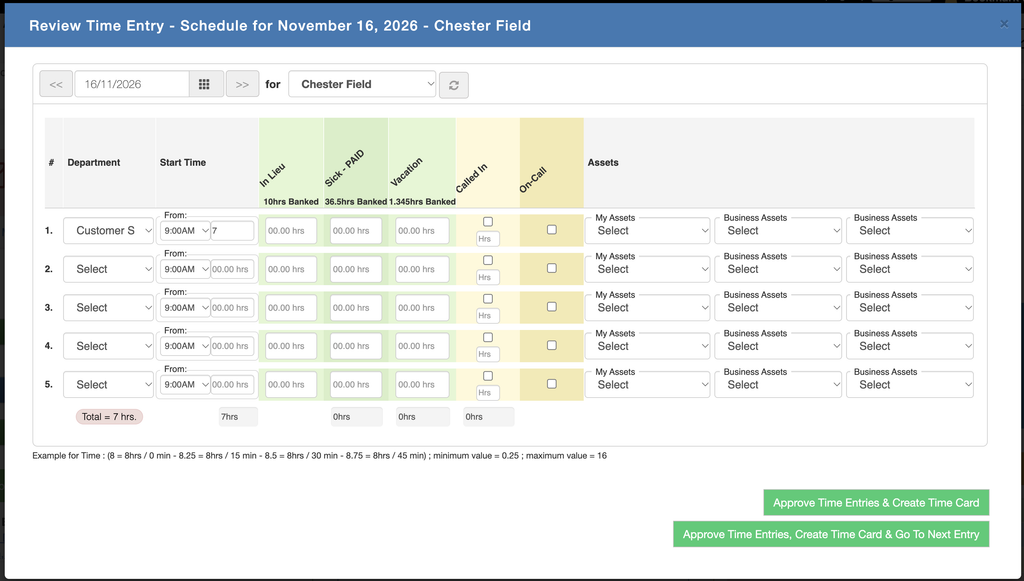
- Click either approve option
- The time card is now added and approved

Leave a Reply