
HR Suite – What will I see when the HR Suite is enabled?
Table of Contents
When the HR Suite is enabled/turned on, you will have the following new features enabled:
In the employee’s profile
- Notes – read more here
- Files – read more here
- Training – read more here
- Onboarding – read more here
- Asset Tracking – read more here

In MANAGE MY BUSINESS

- Asset Tracking – here you can create new assets and find reports based on pass asset access
- Training– here you can create groups (ex. Yearly Review) and manage the training items that you want the employees to complete
- Onboarding– here you can create groups (ex. New Hire – Cash) and manage the training items that you want new applicants to complete before they become employees.
- Manage Role Shift Premiums – read more here.
In the Administrator Menu

- Library – this gives you access to a global file saving location as well as quick access to each employees files
- Training– this shows upcoming and missed training requirements so you can stay on top of each employee
- Onboarding-shows applicants waiting to be approved or currently completing the assigned steps to finish onboarding
- Training Expenses – read more here.
- Assets – like the WHO’S WORKING dashboard, this shows a snap shot of what each employee has checked out today. Read more here.
When employee’s punch in
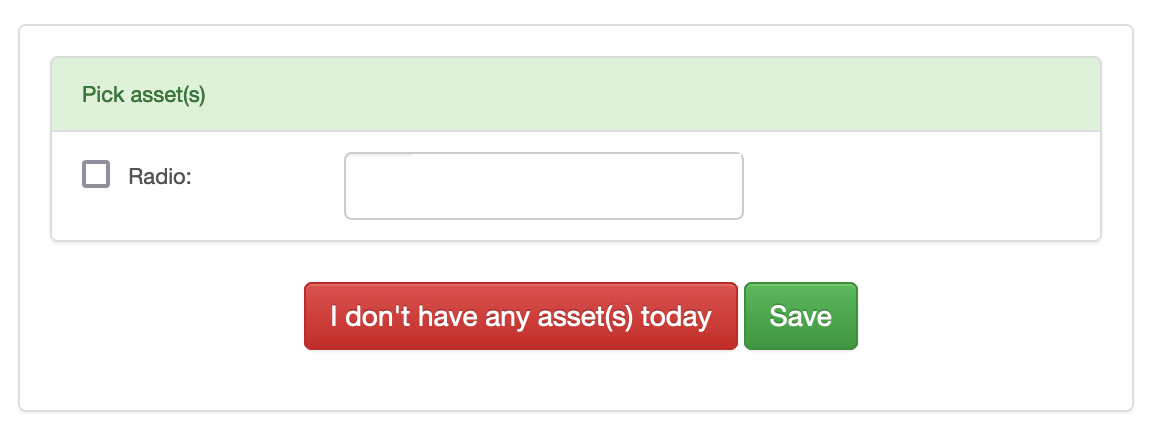
- if you have assets that require an employee to check them out, they will be prompted to enter the asset id/number
- Optionally they can pick that they don’t have an asset