
< All Topics
Fix ‘The maximum allowed scheduled time for this department is 8 hours , this schedule exceeds that.’
Updated
Views45
Table of Contents
As part of the rule set up, one of the values you enter is the maximum shift time. This prevents supervisors from over-scheduling employees.
If you need to make this change,
- Go to MANAGE MY BUSINESS
- Go to MANAGE DEPARTMENTS
- Fine the department, click EDIT
- Make the change
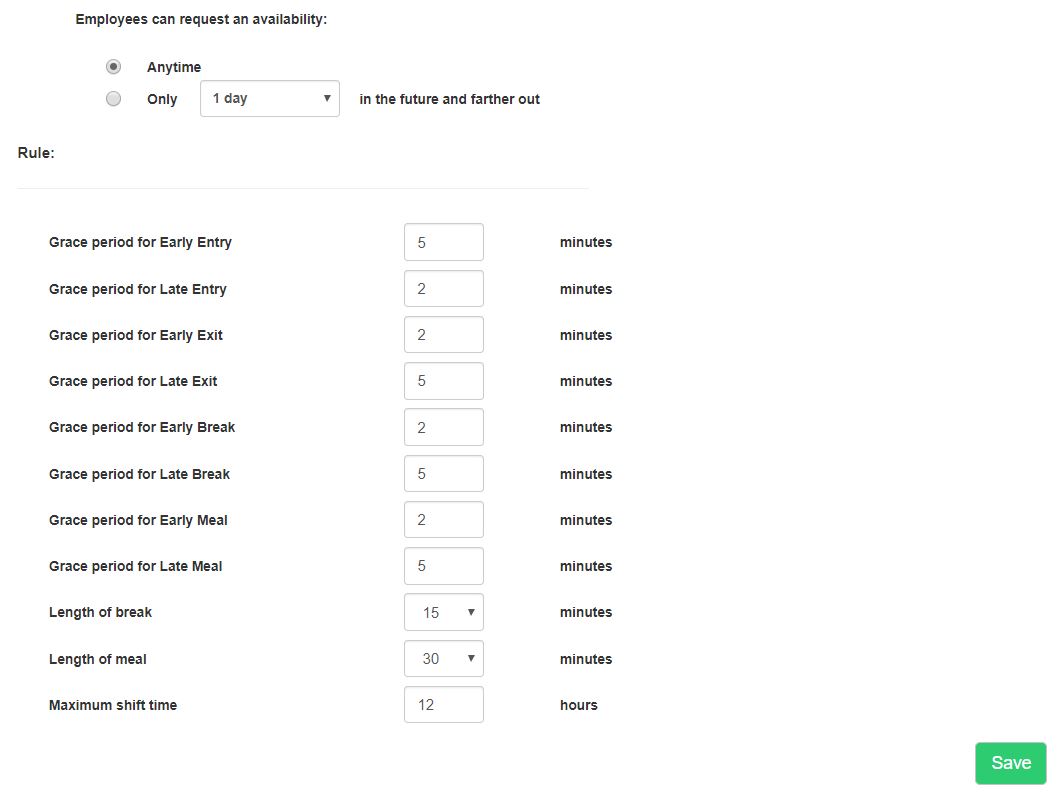
NOTE, if you receive this message, this tells you that the rules for shifts larger than 13 hours have not been defined.
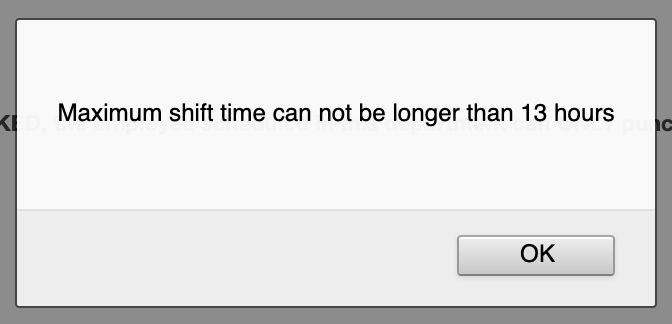
To fix this, you need to add larger shift times
- Go to MANAGE MY BUSINESS
- Go to MANAGE SHIFTS
- Add the additional times, ex. 13hr, 13.25hrs, and so on
Search
Language switcher
Categories
-
Absence37
-
Access Restrictions9
-
Accounting5
-
Alerts30
-
App – Employees4
-
App – Punch Clock14
-
Availability13
-
Biometrics11
-
Chat6
-
Competency6
-
COVID7
-
Departments9
-
Did You Know5
-
Employee Management19
-
For Employees19
-
For Managers16
-
General29
-
Getting Started5
-
How-To17
-
HR Suite43
-
Messages21
-
Multiple Instances2
-
Offline Mode0
-
Payroll44
-
Printing3
-
Project Tracking5
-
Punch App2
-
Punch Clock2
-
Punching23
-
Reports21
-
Roles13
-
Scheduling78
-
Security23
-
Shifts9
-
Statutory Holidays12
-
Survey3
-
Time Cards60
-
Videos33
-
Vital Signs2
-
Walk Thru1
-
What's New57
-
Who's Working7