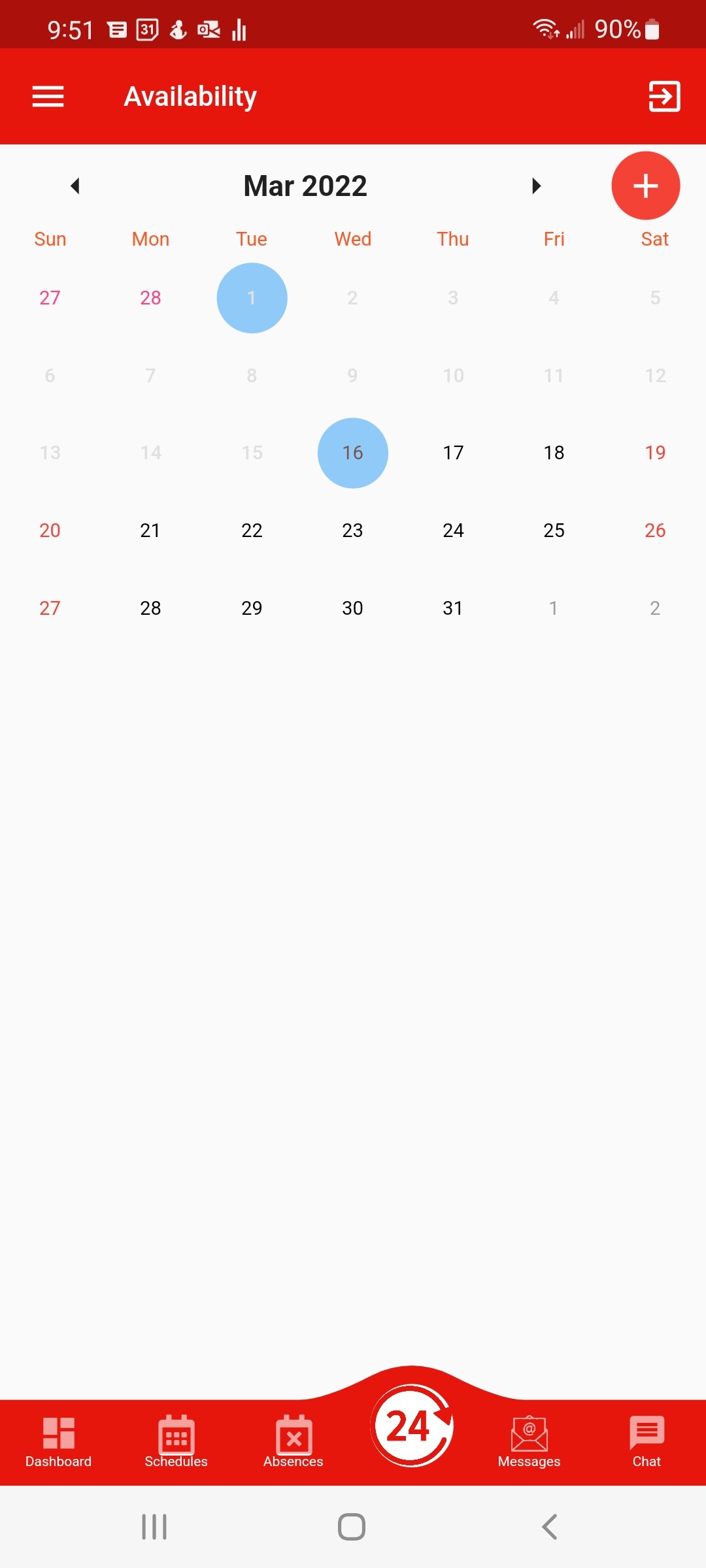
To add your availability in the app
- Click the AVAILABILITY icon at the bottom, and select the day you want to add
NOTE – if a day is unavailable that is due to a black out period or a setting added by you company
- Click the +
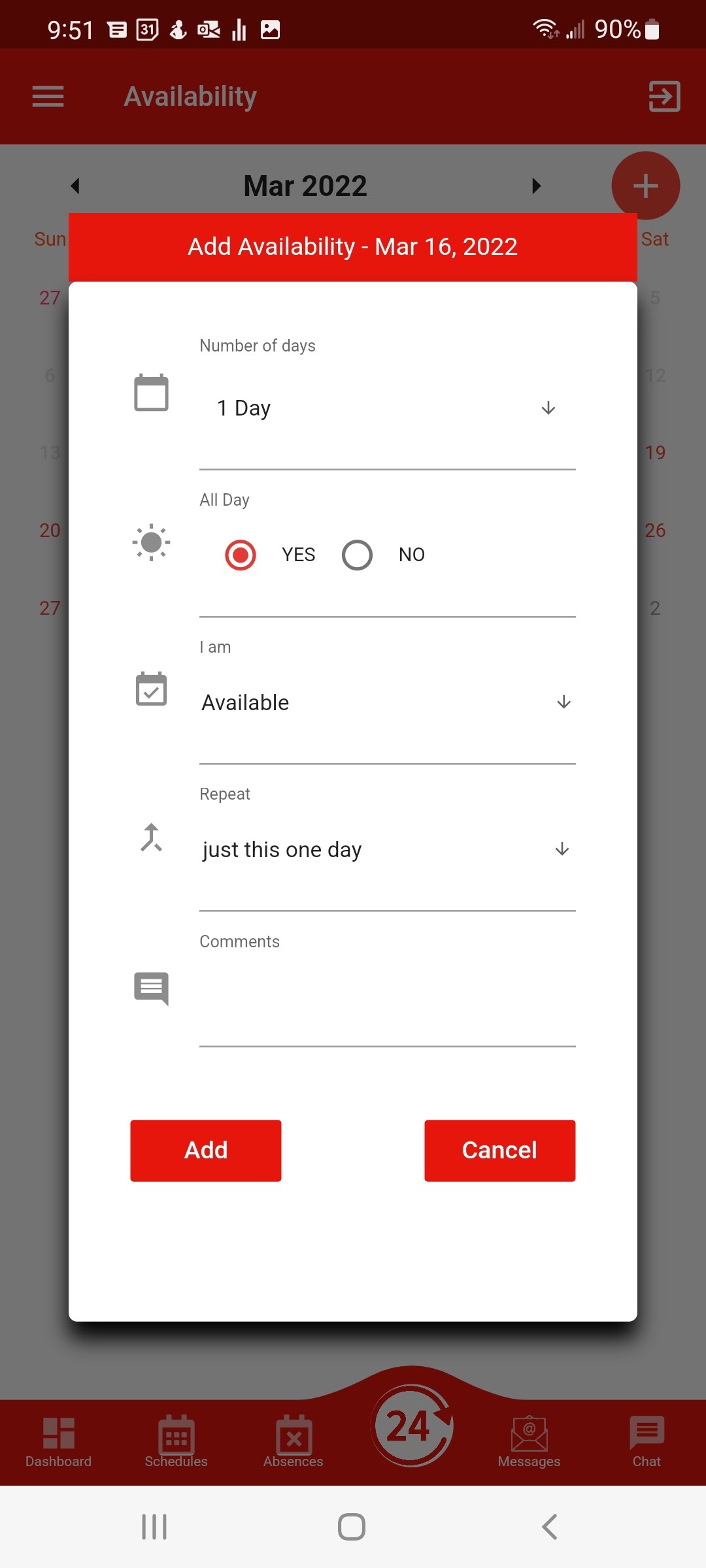
- Complete the form and click ADD